
A catch-all email address is used to receive or reject emails sent to invalid addresses within your domain. However, implementing a catch-all address is generally not recommended due to several drawbacks: It prevents the mail server from rejecting unwanted emails early in the delivery process. Your server could face increased load from processing full spam messages and viruses, impacting overall performance. A better practice is to create specific aliases as needed, which allows for more efficient email handling and reduces the risk of spam. Creating a catch-all alias in Virtualmin If you decide a catch-all address is necessary, here’s how to set one up in Virtualmin:
A catch-all email address is used to receive or reject emails sent to invalid addresses within your domain. However, implementing a catch-all address is generally not recommended due to several drawbacks:
- It prevents the mail server from rejecting unwanted emails early in the delivery process.
- Your server could face increased load from processing full spam messages and viruses, impacting overall performance.
- A better practice is to create specific aliases as needed, which allows for more efficient email handling and reduces the risk of spam.
Creating a catch-all alias in Virtualmin#
If you decide a catch-all address is necessary, here’s how to set one up in Virtualmin:
Select the domain
From Virtualmin’s dropdown menu, choose the domain for which you want to set up the catch-all address.Edit Mail Aliases
Navigate to Edit Mail Aliases to manage email routing for the selected domain.Add alias
Click Add an alias to this domain to create a new email alias. This will open a new page where you can configure the alias: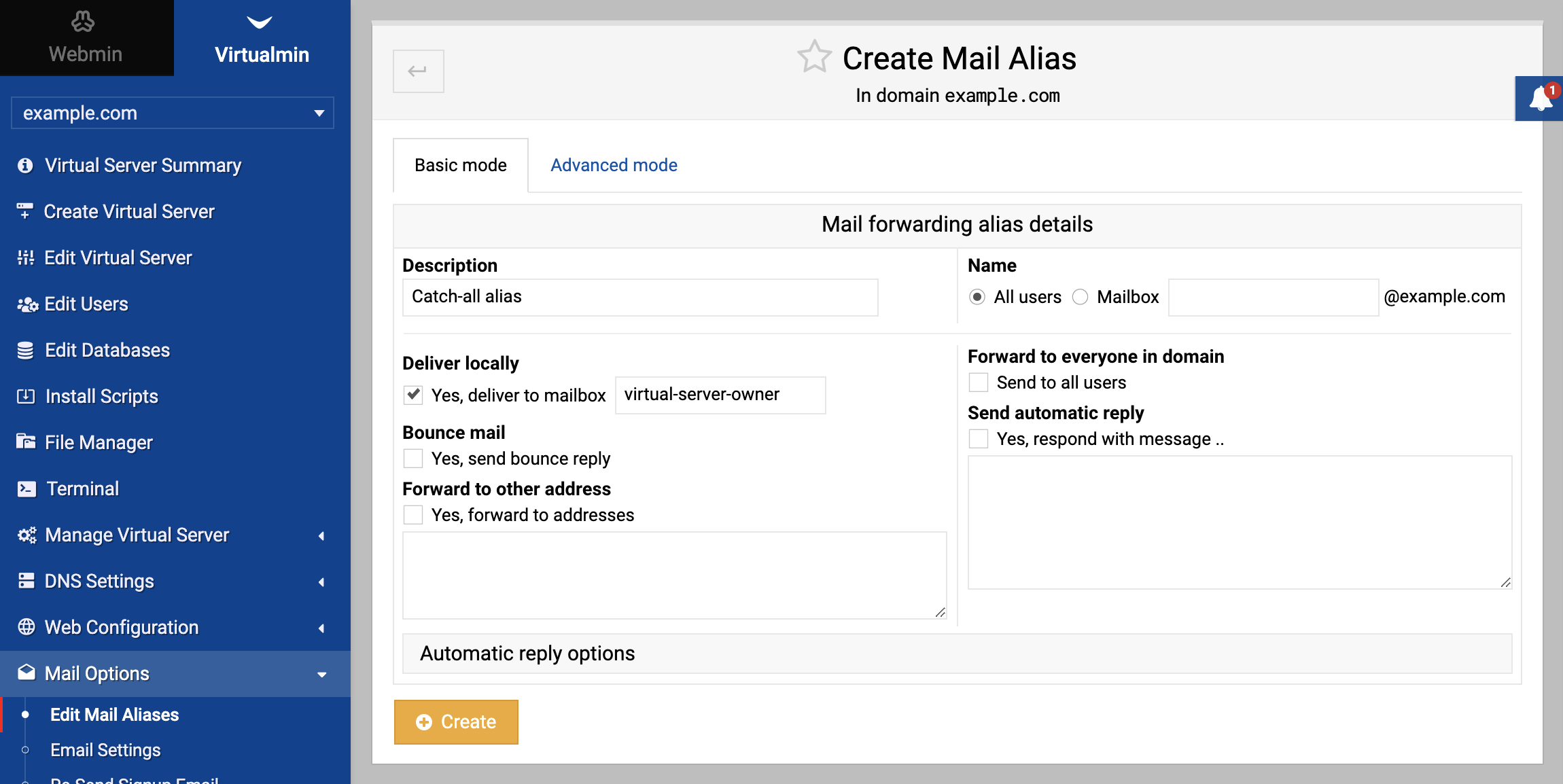
Configure alias
- Set the Name field to All users to designate this alias as a catch-all.
- Configure the delivery settings as you normally would, typically directing to a local mailbox.
Bounce option
If you wish to bounce emails sent to invalid addresses, enable the Bounce mail option.Save changes
Once configured, save the new alias to activate the catch-all functionality.
Disabling the catch-all alias#
To stop the catch-all behavior and prevent the bouncing of emails to invalid addresses, simply delete the catch-all alias you previously created.
Source: https://www.virtualmin.com/docs/server-components/how-to-configure-a-catch-all-alias-account/
